Dockerized Wordpress with NGINX web server & MariaDB
Wordpress , PHP FPM 7.4 , NGINX, MariaDB , phpmyadmin , docker & docker-compose
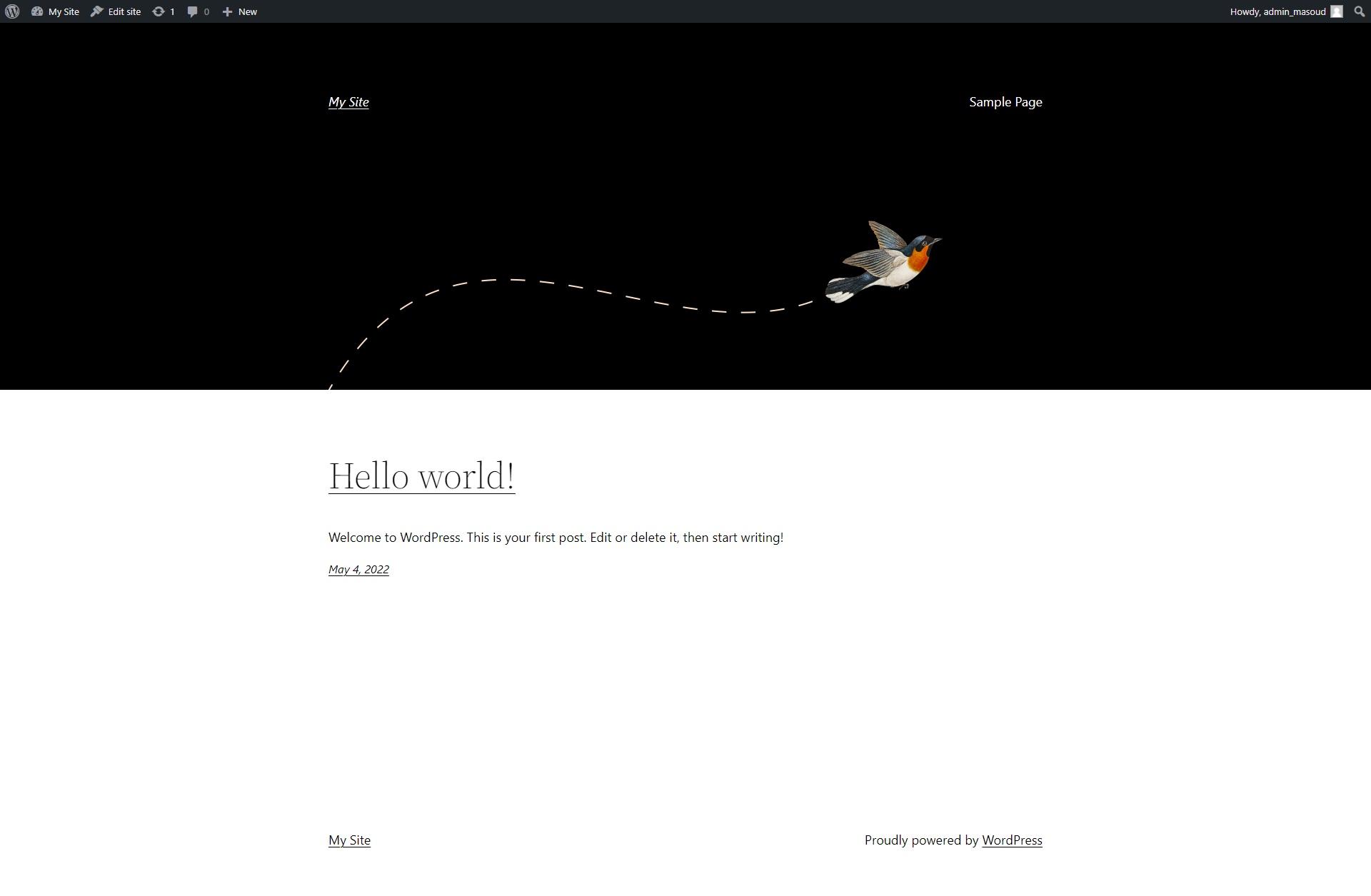
Easily install wordpress as a single docker-compose.yml services
How to Setup
- Install docker & docker-compose on your machine
- Download latest version of Wordpress from [https://wordpress.org/] and exctract content into /www folder
- Run this command in root directory of this repo :
docker-compose up -d - Navigate to [http://localhost] in your browser
- Follow wordpress installation instructions with these db connection credentials ( as provided in .env file) :
Database Name : wordpress Username : username Password: password Database Host : mariadb
- That's it !
Wordpress Installation
1- Fill wordpress installation database parameters from docker-compose file or .env file :
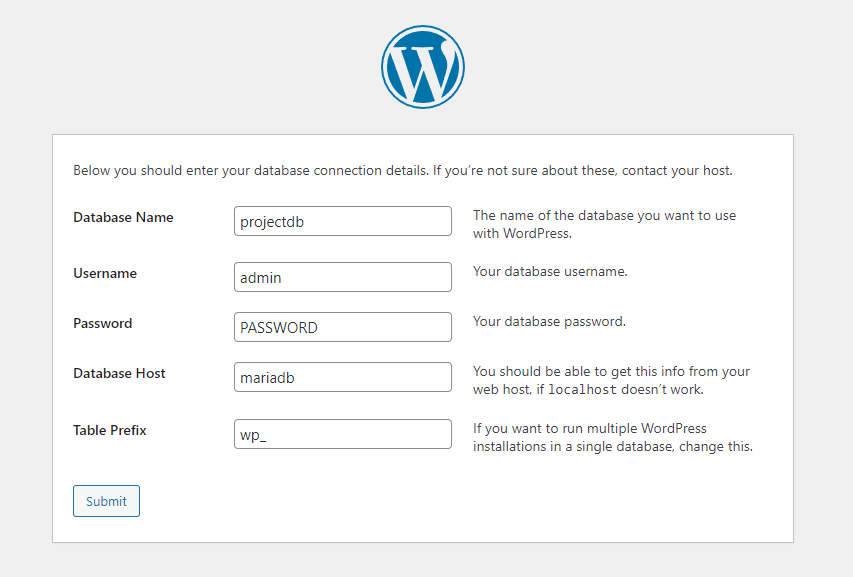
Database Name : wordpress
Username : username
Password: password
Database Host : mariadb
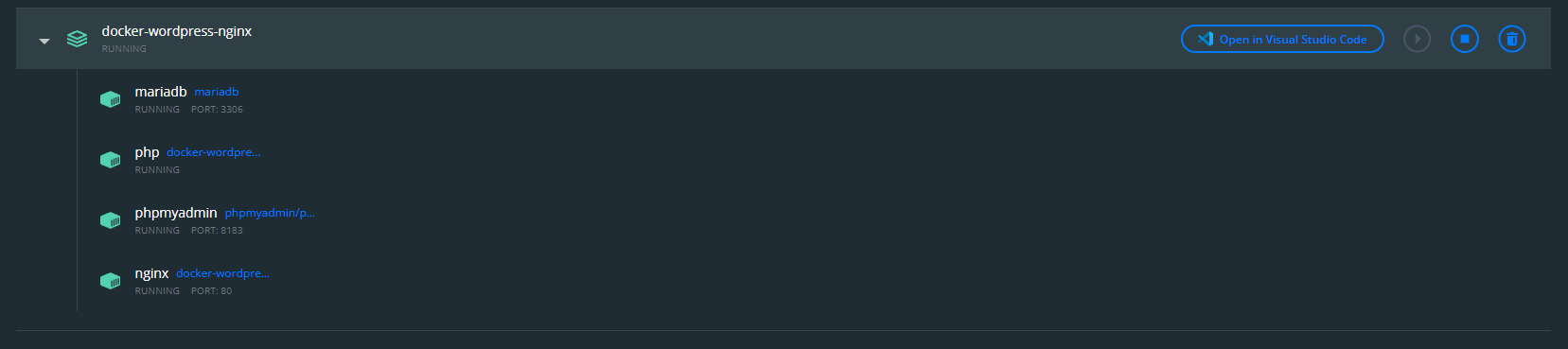
Docker Swarm Install
- Install docker & initialize docker swarm cluster
- Run this command to install as a swarm stack
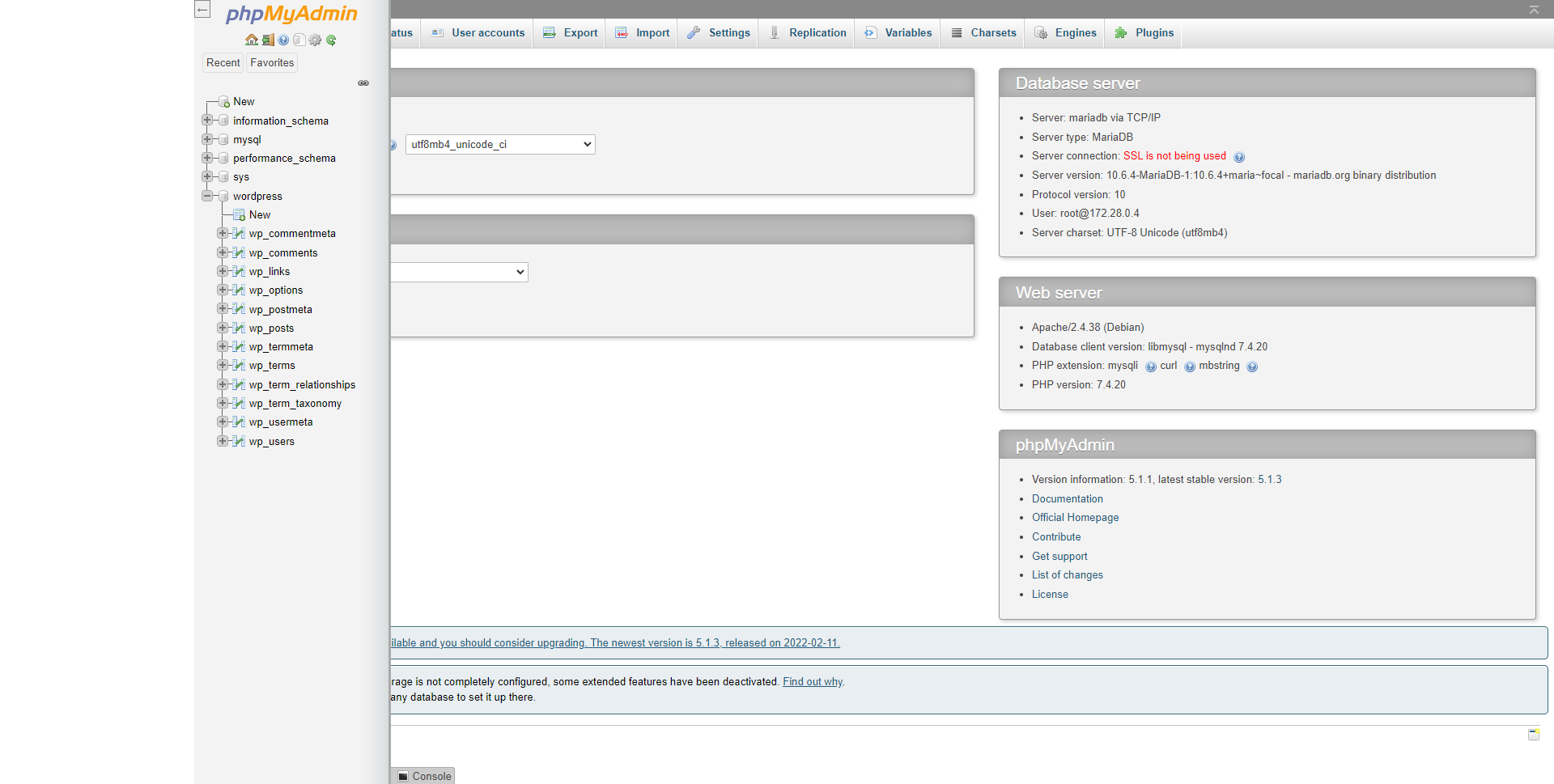
phpMyAdmin
- Open this url : localhost:
- fill mariadb root credentials as we provided in .env or docker-compose.yml
Notes
-
This repo contains custom php-fpm Dockerfile that you can edit and build your own image with customized php.ini settings ,
-
default settings are :
Set PHP.ini settings for script execution and uploads
file_uploads = On
upload_max_filesize = 64M
post_max_size = 64M
memory_limit = 256M
max_execution_time = 600
max_input_time = 600 -
Change this dockerfile in : ./php/Dockerfile
Features to be added soon :
- [x] Upgraded to latest wordpress
- [x] Upgrade php to version 7.4
- [ ] Upgrade php to version 8.x
-
[ ] Add File Manager service to this stack
-
push your changes to this repo and send Merge Requests to me